
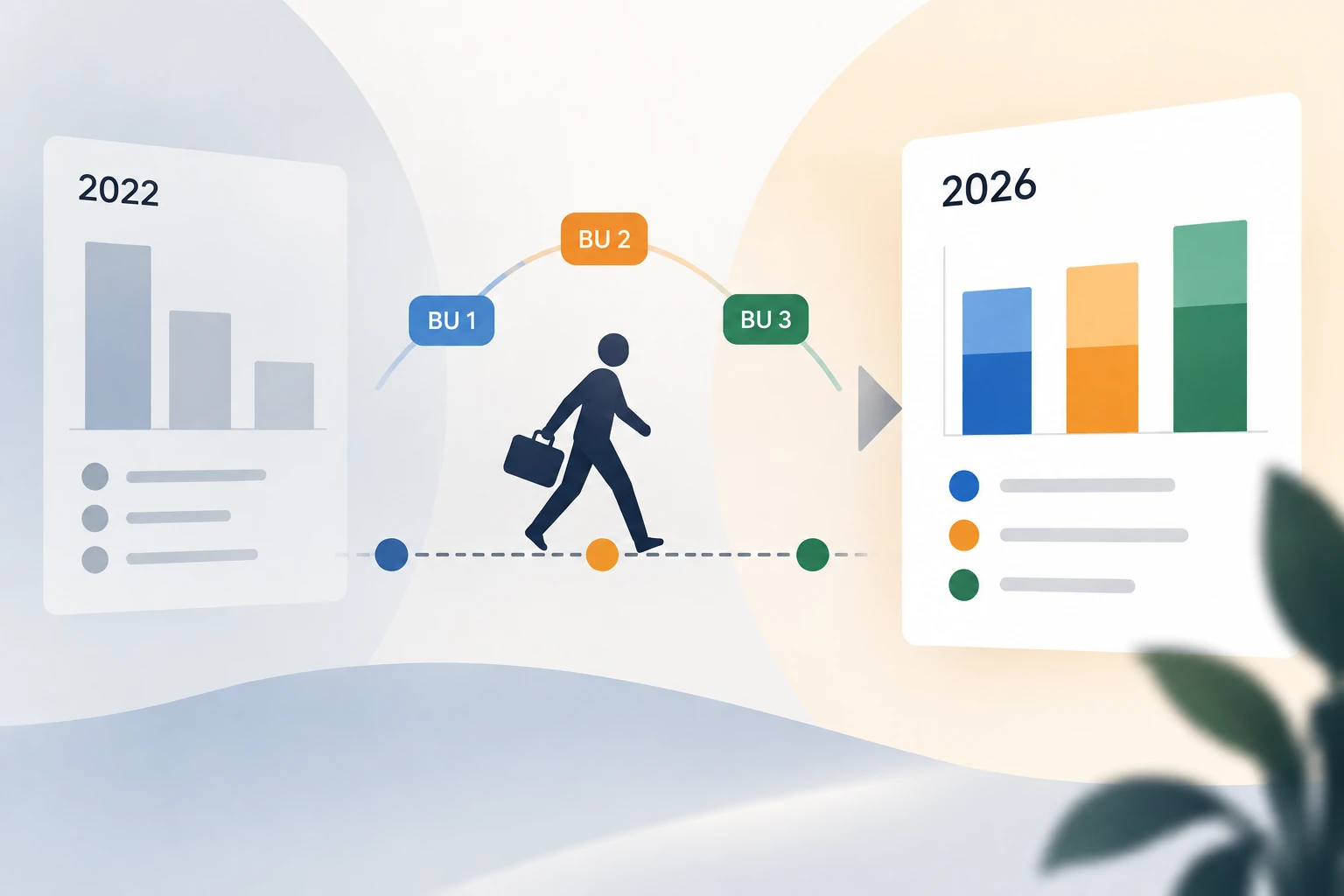
Short answer: if your tool does not record the date a tag changed, every analysis of the past is recalculated using today’s values. An employee who moves from BU Data to BU Cloud in September takes their three previous years with them. Last year’s revenue by business unit therefore changes retroactively, with no warning, no trace, and nobody notices until they try to compare two financial years.
What is a historised tag?
A historised tag is a label whose tool keeps not only the current value but every previous one, along with the period it applied to. Asked about a given period, the system answers with the value that was true at the time, not the one that is true now.
The distinction sounds technical. It is not: it is the difference between an axis of analysis you can trust and one that quietly rewrites itself every time somebody moves team.
What actually happens without historisation?
Take an ordinary case in an organisation. Camille joins BU Data in January 2023, moves to BU Cloud in September 2024, then to BU Delivery in March 2026. Two moves in three years: nothing unusual in a company that is growing.
You ask for 2023 revenue by business unit. Here are the two possible answers.
| The question | Without historisation | With historisation |
|---|---|---|
| Camille’s 2023 revenue | Booked to BU Delivery | Booked to BU Data |
| BU Data’s 2024 margin | Stripped of its past | Complete |
| 2023 vs 2024 comparison | False trend on both units | Comparable |
| Does the report flag the error? | No | Not applicable |
The last row is the one that matters. A data entry mistake shows; a total that does not add up shows. An axis of analysis that rewrites itself produces no symptom at all: the totals stay consistent with each other, they simply describe an organisation that never existed.
Which analyses are affected?
Any analysis that crosses a period with an axis whose value can change. In a services business that covers most of what steering means:
- revenue and margin by business unit, office or practice;
- utilisation and bench time by team;
- profitability by contract model, when a project moves from time-and-materials to fixed price;
- breakdown by seniority, when somebody is promoted;
- analysis by account or sector, when a client is reassigned to another salesperson.
In other words, nearly everything you use to decide where to invest next year.
How do you know whether your tool historises?
Four questions are enough, and they can all be asked during a demo:
- When I change an axis on a record, is the previous value kept somewhere, with its dates?
- Can I see the history of an axis for a given record?
- If I re-run last year’s report after that change, do I get the same result as before?
- Does historisation cover every entity I tag, or only some of them?
The third question is the one that settles it. If last year’s report has changed, your tool keeps only the current state.
What historisation does not do
It does not replace a clear definition of your axes. A badly defined historised tag is still a bad axis of analysis: it will simply be bad consistently. Two precautions go with it:
- make categories mandatory wherever the analysis depends on them, so no record goes out without its axis;
- keep the list of values short, because an axis with forty values cannot be compared.
In practice
In AlibeeZ, tags are created by your own teams, applied to your entities (people, projects, contracts, companies, accounts) and any category can be made mandatory. Historisation comes with them: a tag that changes does not erase what it used to be, so an analysis covering a past period keeps counting with the values from that period. The mechanics are set out, with a diagram, on the customisation page.
If you take one thing away: before comparing two financial years, check that your tool can tell you what was true at the time. Otherwise you are not comparing two years, you are comparing today’s organisation with itself.
Frequently asked questions
What is a historised tag?
A historised tag is a label whose tool keeps every past value along with the period it applied to. Asked about a given period, the system answers with the value that was true at the time rather than the value that is true today.
How can I check whether my ERP historises its axes of analysis?
Run a report covering last year, change an axis value on a record, then run the same report again. If the result has changed, the tool keeps only the current state and your year-on-year comparisons are not reliable.
Which analyses go wrong without historisation?
Every analysis that crosses a period with an axis whose value can change: revenue and margin by business unit, utilisation by team, profitability by contract model, breakdown by seniority, analysis by account or sector.
Is historisation enough to make a BU analysis reliable?
No. It guarantees the past is not rewritten, but it does not replace a clear definition of your axes. You also need to make categories mandatory wherever the analysis depends on them, and to keep the list of possible values short enough to compare.